At Ebí, family comes first.
Shop NowShowing 61–80 of 380 results
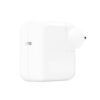
30W USB-C Power Adapter
The 30W USB‑C Power Adapter offers fast, efficient charging at home, in the office or on the go. While the power adapter is compatible with any USB‑C device, Apple recommends using it with MacBook Air and Apple Vision Pro. You can also use it with select iPhone and iPad Pro models to take advantage of the fast-charging feature.
Charging cable sold separately.
85W MAGSAFE 2 POWER ADAPTER-GBR
The 85W MagSafe 2 Power Adapter features a magnetic DC connector so if someone trips over it, the lead disconnects harmlessly and your MacBook Pro stays put safely. It also helps prevent fraying or weakening of the cables over time. In addition, the magnetic DC helps guide the plug into the system for a quick and secure connection.
When the connection is secure, an LED located at the head of the DC connector lights up; an amber light lets you know that your notebook is charging, while a green light tells you that you have full charge. An AC lead is provided with the adapter for maximum lead length, while the AC wall adapter (also provided) gives you an even easier and more compact way to travel.
Designed to be the perfect travelling companion, the adapter has a clever design that allows the DC cable to be wound neatly around itself for easy cable storage.
This power adapter recharges the lithium polymer battery while the system is off, on or in sleep mode. It also powers the system if you choose to operate without a battery.
Compatible with MacBook Pro with Retina display.
Not sure if this is the right power adapter for your Mac?
See this article for more details about choosing the right one.
Knowing which specific Mac model you have is important. If you are running OS X Lion (10.7) or later, go to the “” menu at the top left of your screen, choose “About this Mac” then click the “More Info...” button. Your Mac model and generation will be displayed.
If you are running an earlier version of OS X, you can enter your serial number here to find out which model you have.
96W USB-C Power Adapter
Charging cable sold separately.
AirPods 4
AirPods Max – Blue
Symphonic boom.
AirPods Max, the ultimate listening experience. Now in five new colours. An Apple-designed driver provides high-fidelity audio. Every detail, from canopy to cushions, has been designed for an exceptional fit. Pro-level Active Noise Cancellation1 blocks outside noise, while Transparency mode keeps you connected to your environment. Updated with a USB-C connector for even more convenient charging.
AirPods Max – Midnight
Symphonic boom.
AirPods Max, the ultimate listening experience. Now in five new colours. An Apple-designed driver provides high-fidelity audio. Every detail, from canopy to cushions, has been designed for an exceptional fit. Pro-level Active Noise Cancellation1 blocks outside noise, while Transparency mode keeps you connected to your environment. Updated with a USB-C connector for even more convenient charging.
AirPods Max – Orange
Symphonic boom.
AirPods Max, the ultimate listening experience. Now in five new colours. An Apple-designed driver provides high-fidelity audio. Every detail, from canopy to cushions, has been designed for an exceptional fit. Pro-level Active Noise Cancellation1 blocks outside noise, while Transparency mode keeps you connected to your environment. Updated with a USB-C connector for even more convenient charging.
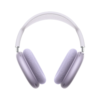
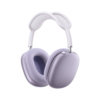
AirPods Max – Purple
Symphonic boom.
AirPods Max, the ultimate listening experience. Now in five new colours. An Apple-designed driver provides high-fidelity audio. Every detail, from canopy to cushions, has been designed for an exceptional fit. Pro-level Active Noise Cancellation1 blocks outside noise, while Transparency mode keeps you connected to your environment. Updated with a USB-C connector for even more convenient charging.
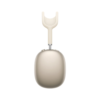
AirPods Max – Starlight
Symphonic boom.
AirPods Max, the ultimate listening experience. Now in five new colours. An Apple-designed driver provides high-fidelity audio. Every detail, from canopy to cushions, has been designed for an exceptional fit. Pro-level Active Noise Cancellation1 blocks outside noise, while Transparency mode keeps you connected to your environment. Updated with a USB-C connector for even more convenient charging.
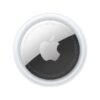
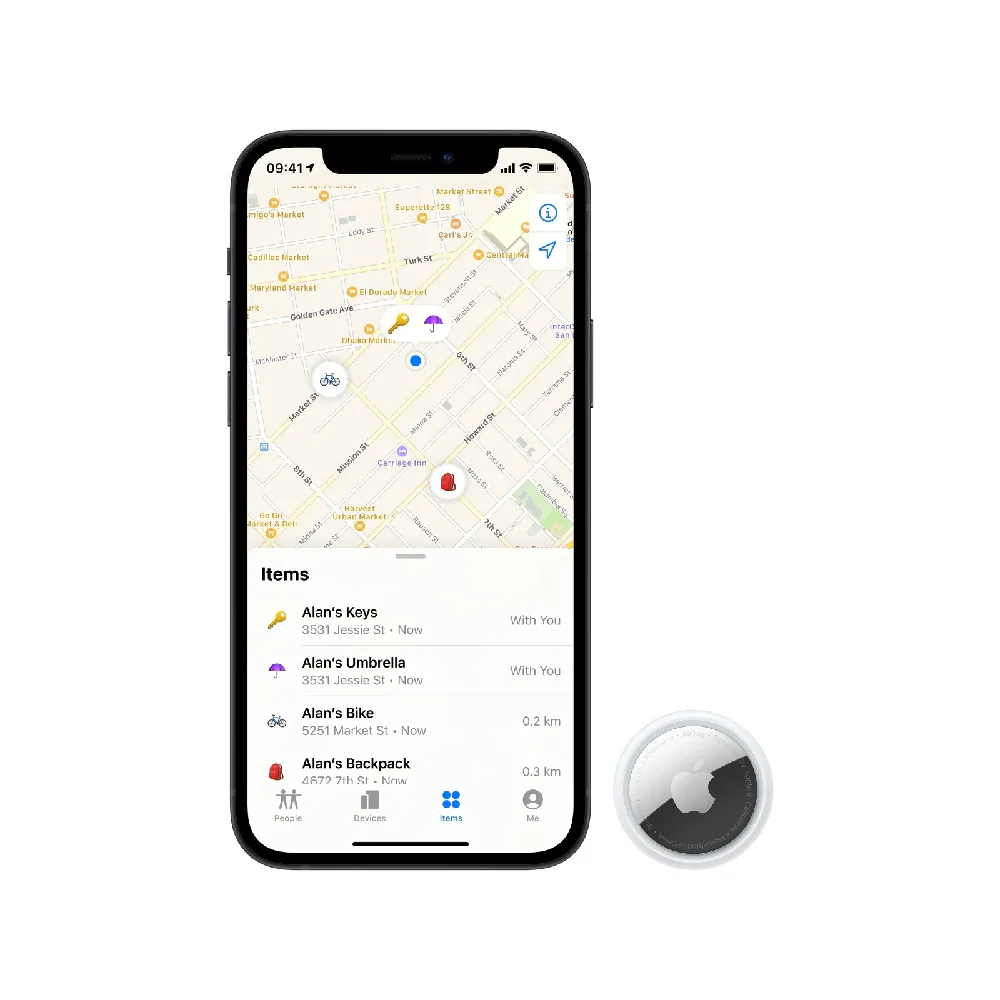
AirTag (1 Pack)
The most findable AirTag yet.
The next generation of AirTag has its loudest speaker yet and an expanded Precision Finding range. It’s never been easier to follow and find your stuff.
Attach one to your keys or backpack. If you misplace something, just use the Find My app on iPhone or Apple Watch to locate it.
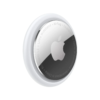
AirTag (4 Pack)
The most findable AirTag yet.
The next generation of AirTag has its loudest speaker yet and an expanded Precision Finding range. It’s never been easier to follow and find your stuff.
Attach one to your keys or backpack. If you misplace something, just use the Find My app on iPhone or Apple Watch to locate it.
AirTag Loop – Pink Citrus
AirTag Loop – White
The 85W MagSafe 2 Power Adapter features a magnetic DC connector so if someone trips over it, the lead disconnects harmlessly and your MacBook Pro stays put safely. It also helps prevent fraying or weakening of the cables over time. In addition, the magnetic DC helps guide the plug into the system for a quick and secure connection.
When the connection is secure, an LED located at the head of the DC connector lights up; an amber light lets you know that your notebook is charging, while a green light tells you that you have full charge. An AC lead is provided with the adapter for maximum lead length, while the AC wall adapter (also provided) gives you an even easier and more compact way to travel.
Designed to be the perfect travelling companion, the adapter has a clever design that allows the DC cable to be wound neatly around itself for easy cable storage.
This power adapter recharges the lithium polymer battery while the system is off, on or in sleep mode. It also powers the system if you choose to operate without a battery.
Compatible with 15- or 17-inch MacBook Pro.
Not sure if this is the right power adapter for your Mac?
See this article for more details about choosing the right one.
Knowing which specific Mac model you have is important. If you are running OS X Lion (10.7) or later, go to the “” menu at the top left of your screen, choose “About this Mac” then click the “More Info...” button. Your Mac model and generation will be displayed.
If you are running an earlier version of OS X, you can enter your serial number here to find out which model you have.